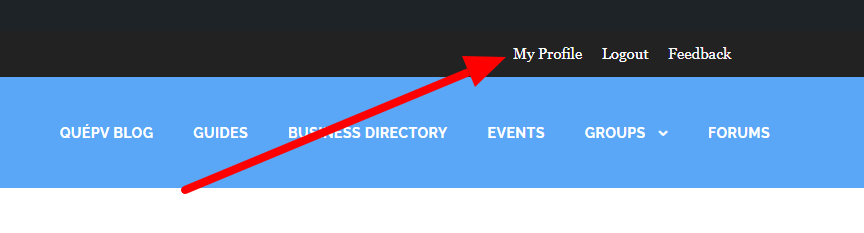
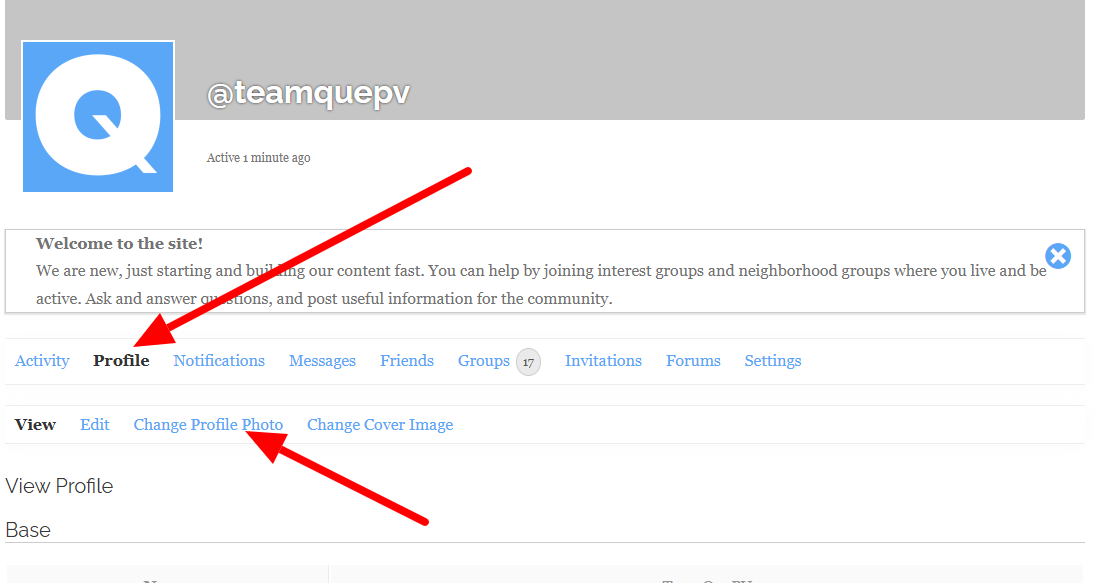
While I understand your desire and reasoning for people to upload a photo of themselves, I am not yet comfortable doing that. An option to include an avatar instead would be nice. Avatars that represent different genders, gender expressions, and orientation could be interesting.
We are not going to be profile image police. It is your profile. We just know that people without images are less trusted and less likely to make connections through online social networks, so we recommend a photo. Yes, a face photo earns trust, but you can use any photo you want. Over the last 3 days, we have had over 200 members, and only about 10% have photos, which gives QuePV a bad look because it appears we have just created fake profiles, which is not the case. It creates distrust of the member and the platform. While it looks bad for the platform and creates fewer opportunities for connections among members, it is ultimately your choice. Any photo you want. It is your choice. It is your community platform.

 .
.